














Every frame.
Made yours.
Pixelab is a free online photo editor for entire collections. Shape your signature look. Work with offline AI. Your photographs never need to leave your device.

 01 / COLLECTION
 02 / COLOR STUDY

More photography.
Less everything else.
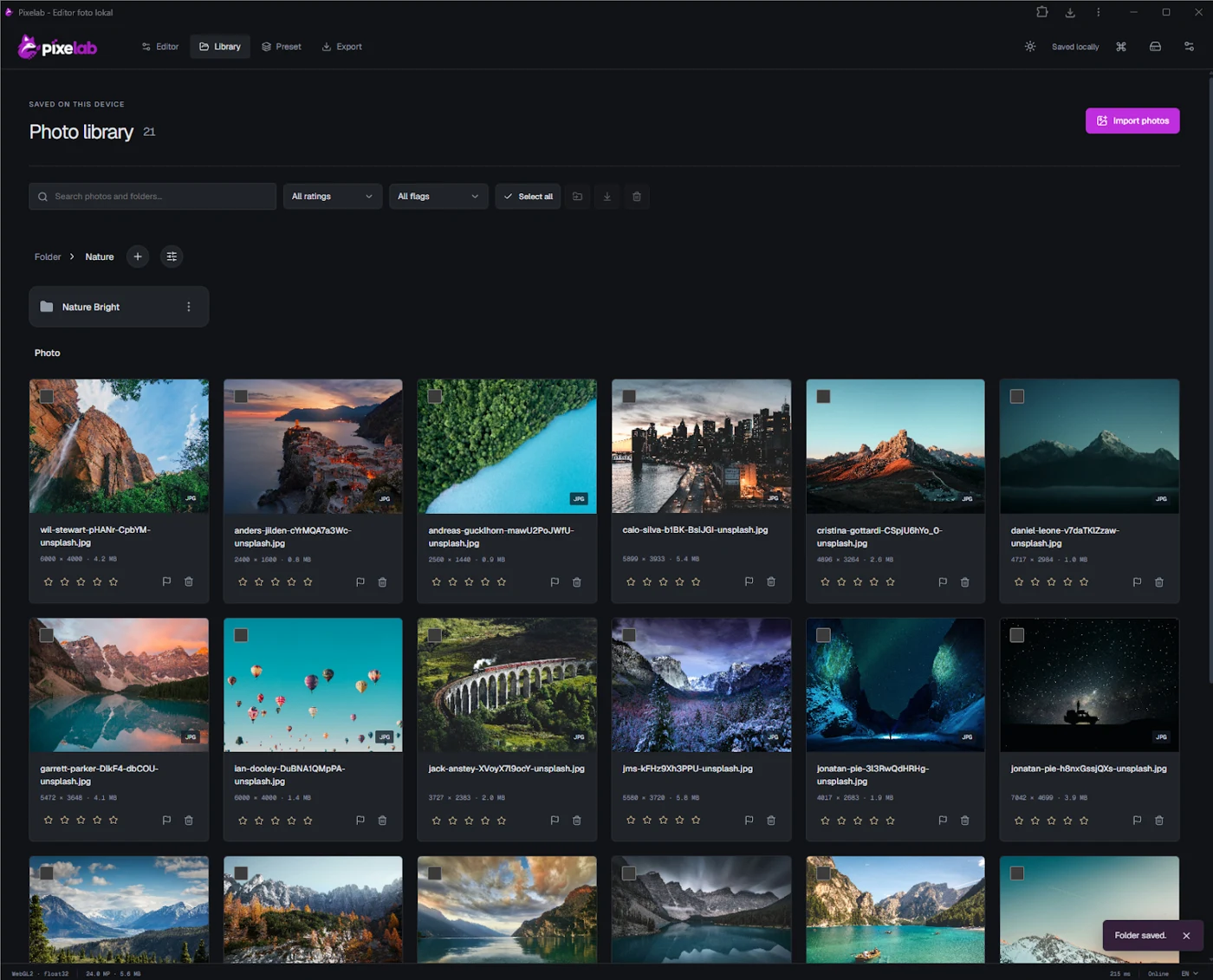
From your first import to your final export, Pixelab brings your entire workflow into one private, browser-based workspace. No cloud library. No waiting on a remote server.
A place for every shoot.
Keep collections in folders, right inside your browser.
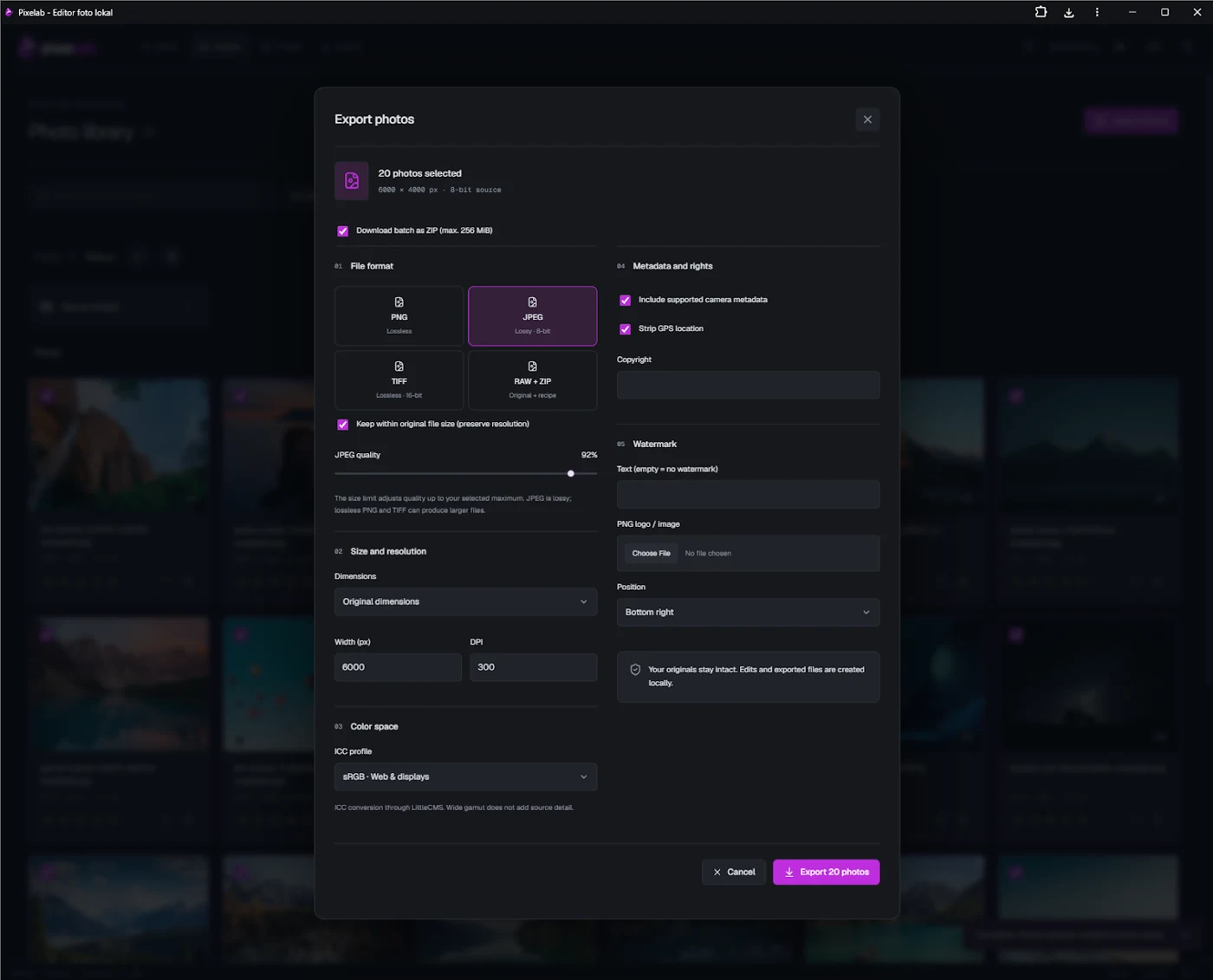
Pixelab vs.
Other editors.
A complete photo workflow, without a monthly bill. Your photographs and supported AI processing stay on your device.
PixelabFREE $0No subscription. | Other editors Plans varyFeatures depend on the product. |
|---|---|
| Price Free. From import to export. | Price Free tiers or paid plans |
| Account Open and start. No sign-up. | Account An account may be required |
| Workspace No ads. No subscription. | Workspace Ads or subscriptions may apply |
| Your photographs Processed on your device | Your photographs Local or cloud, depending on the app |
| Offline editing Ready after the app is cached | Offline editing Depends on the app and license |
| AI tools Local models. No credit balance. | AI tools Runs locally or in the cloud, with limits that depend on the tool |
Your photos. Your device.
Free to make it yours.
A general comparison. Other editors vary in price and features. Offline AI requires compatible hardware and downloaded models.
Real tools.
Free to use.
From your first adjustment to a finished collection, your photo workflow stays in one local workspace.
Your original stays original.
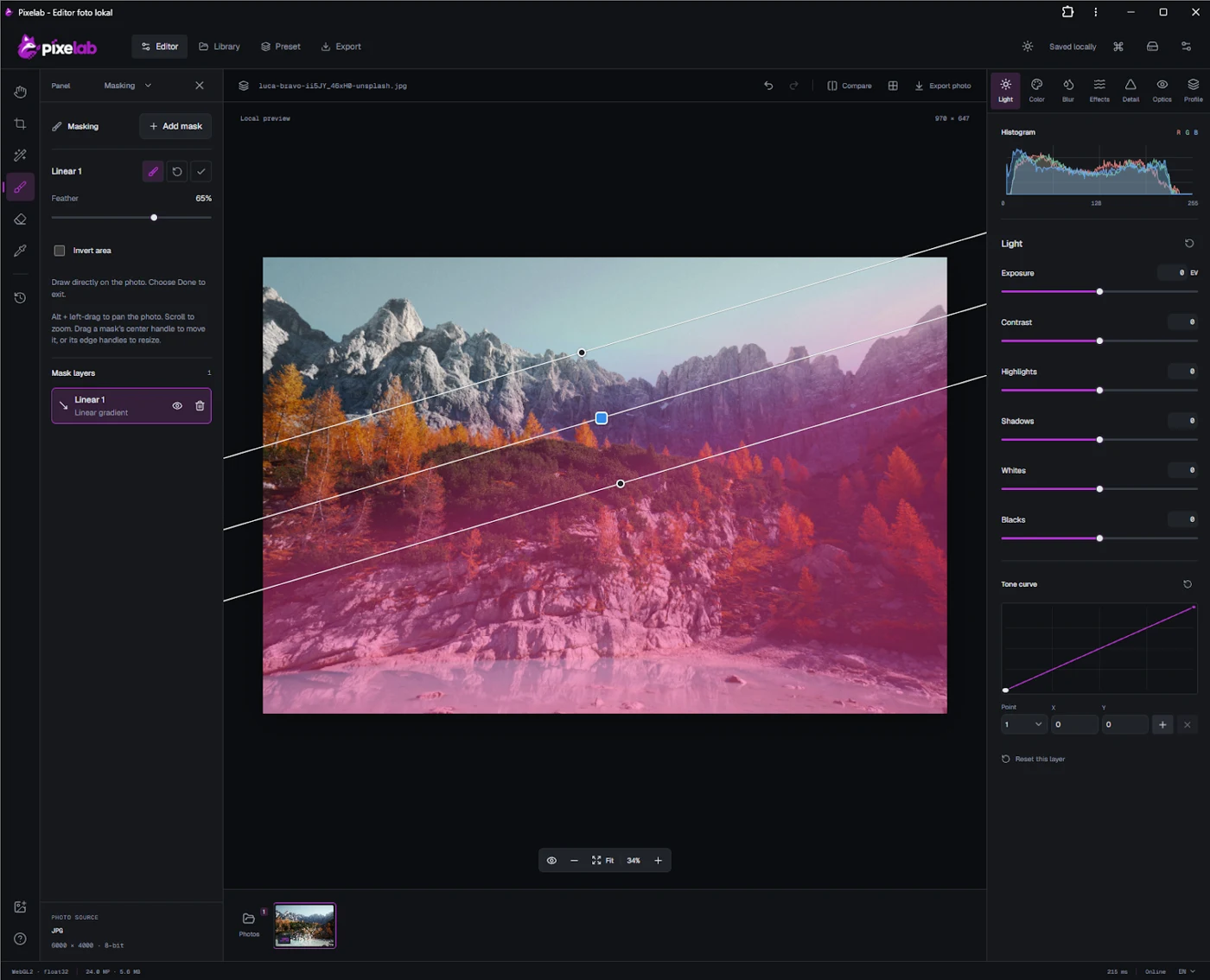
Adjust light and color, save presets, and return to earlier edits. Pixelab keeps your source photo and editing recipe separate.
Open the editor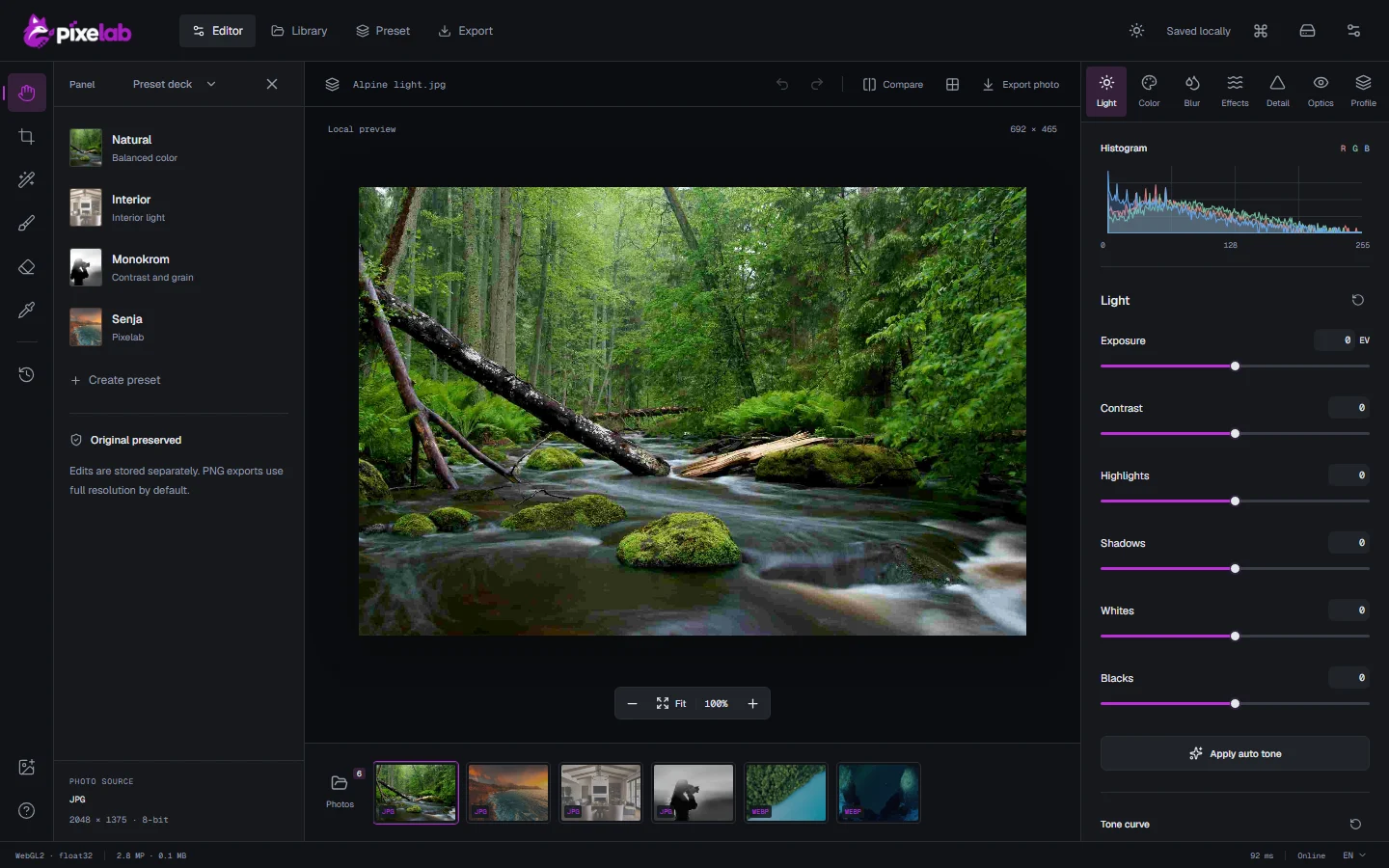 View full size
Get closer to
your photo editor.
A familiar look, a precise adjustment, room to experiment. Explore the little things inside your workspace.
One look.
Every photograph.
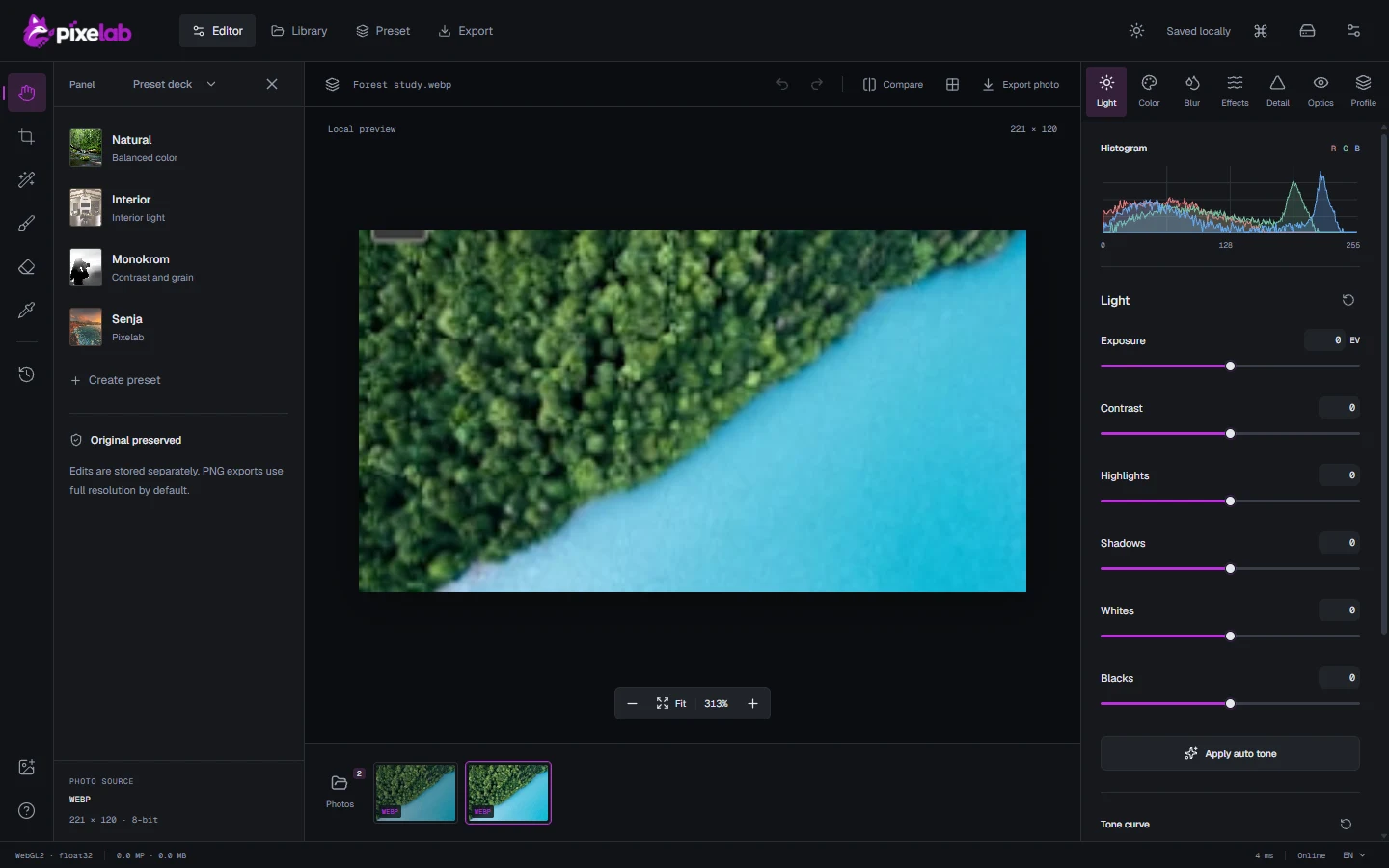
Every frame in a shoot deserves the same attention. Change the entire collection at once, without changing your workflow. Try it below.



AI that stays
with you.
Download compatible models once. Use supported AI tools offline, with processing on your device rather than in the cloud.
OriginalPreviewExplore AI tools
Illustrative visual preview - AI inference is not running on this landing page.
Make the focus
your own.
Explore a lens-blur preview. Adjust the depth and shape the attention in your frame.

Lens blur
BokehSimulated focus maskOn your deviceYour work.
Your device.
Your projects and downloaded AI models live in browser storage. Install Pixelab from the editor on supported devices, and keep working offline after setup.